IPCAM P1.2.7
Continue to app
Free Version
Publisher Description
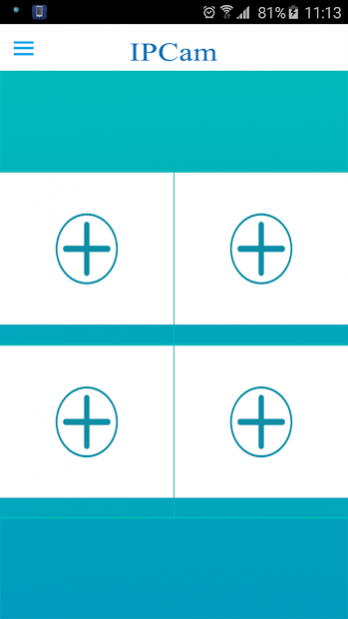


This app is specially built for P2P IP camera series. thanks to unique P2P connection technology that users are able to watch live video on Android from any purchased IP camera by simply enter camera's ID and password; no complex IP or router settings required. the video compressed in H.264 format which guarantee for crystal clear video.
you can do such operation as below:
1.Support multi-window viewing
2.Support wifi smart-config function,more convenient to connect your ipcam
3.Support manual recording function
4.Support time-zone function
5.Support optical zooming function (specific for model 1BF)
6.Compatible with Android 5.0
About IPCAM P
IPCAM P is a free app for Android published in the Food & Drink list of apps, part of Home & Hobby.
The company that develops IPCAM P is Ip cam. The latest version released by its developer is 1.2.7.
To install IPCAM P on your Android device, just click the green Continue To App button above to start the installation process. The app is listed on our website since 2018-07-25 and was downloaded 73 times. We have already checked if the download link is safe, however for your own protection we recommend that you scan the downloaded app with your antivirus. Your antivirus may detect the IPCAM P as malware as malware if the download link to com.easyn.IPCAM_P is broken.
The company that develops IPCAM P is Ip cam. The latest version released by its developer is 1.2.7.
To install IPCAM P on your Android device, just click the green Continue To App button above to start the installation process. The app is listed on our website since 2018-07-25 and was downloaded 73 times. We have already checked if the download link is safe, however for your own protection we recommend that you scan the downloaded app with your antivirus. Your antivirus may detect the IPCAM P as malware as malware if the download link to com.easyn.IPCAM_P is broken.
How to install IPCAM P on your Android device:
- Click on the Continue To App button on our website. This will redirect you to Google Play.
- Once the IPCAM P is shown in the Google Play listing of your Android device, you can start its download and installation. Tap on the Install button located below the search bar and to the right of the app icon.
- A pop-up window with the permissions required by IPCAM P will be shown. Click on Accept to continue the process.
- IPCAM P will be downloaded onto your device, displaying a progress. Once the download completes, the installation will start and you'll get a notification after the installation is finished.
Program Details
System requirements
Operating systems
Android
Download information
File size
12.6 MB
Total downloads
73
Pricing
License model
Free
Price
Version History
Here you can find the changelog of IPCAM P since it was posted on our website on 2016-12-23. The latest version is 1.2.7 and it was updated on Soft112 on 30 October, 2026. See below the changes in each version:
version 1.2.7
posted on 2018-07-25
Bug fixes
version 1.2.6
posted on 2017-08-07
fix bugs
version 1.1.7
posted on 2016-05-29
1) compatible with android 6.0 version,2) bugs fix
